
Back-to-school season looks a little different for virtual school families. Instead of sorting school supplies and carpool schedules, the focus shifts to something bigger: building a routine that actually works for your student and your household.
That learning curve is real — but you don't have to navigate it alone. At Stellar Hollow, our community is built to empower families with the tools they need to thrive, starting with one of the most important roles in virtual learning: the Learning Coach.
Here's your quick-start guide to beginning the year with confidence.

What Is a Learning Coach?
A Learning Coach is the parent or guardian who supports a student's progress in virtual school — not their teacher. You won't be responsible for curriculum or grading. Instead, you provide structure, accountability, and encouragement while certified teachers handle instruction.
This role matters more than it might seem. A systematic review of K-12 online education found that parent-teacher collaboration is critical to student success, identifying stronger school-parent communication and helping parents understand their new role as two of the top factors (Walter et al. 5).
You're not expected to be the expert. You're expected to show up, stay engaged, and lean on your school's support team when you need it.
Where Do I Go for Tech Help and Orientation?
There’s one quick way to find resources: head straight to My Stellar Support. It's your one-stop hub for login troubleshooting, device setup, orientation walkthroughs, and a full guide to becoming a Learning Coach. All in one place, so you're not hunting for answers.
A few quick tips to start smoother:
Bookmark your login page on every device your student might use.
Test login credentials before day one — twice, if you can.
Save your tech support contact info somewhere handy, like a sticky note or your phone's notes app.
Experts recommend getting familiar with your school's platform before the first day, so you can troubleshoot small glitches instead of getting derailed by them (Green). Our IT team and My Stellar Support resources are built to make it so you're never figuring it out alone.
How Do I Set Up a Learning Space?
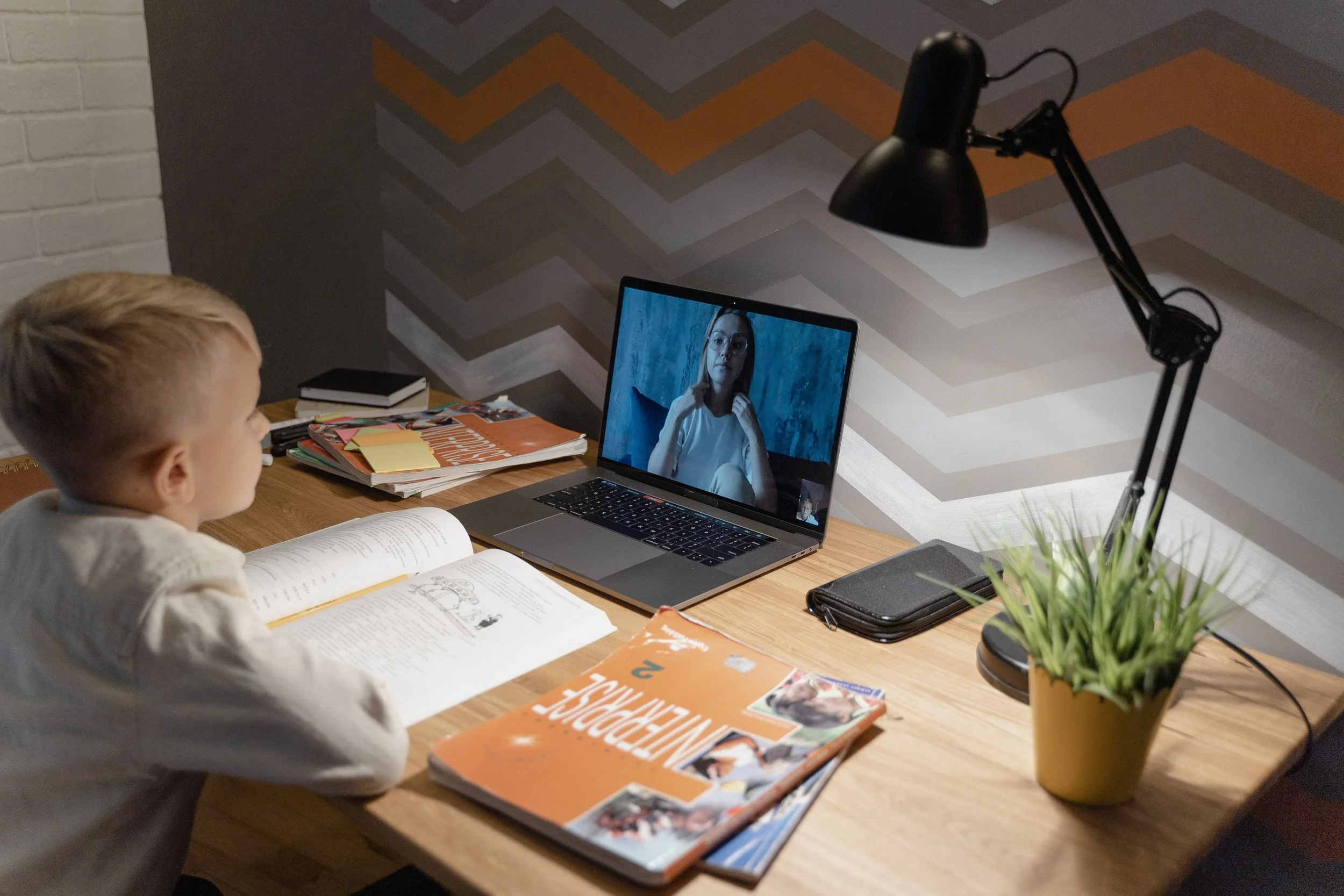
Your student doesn't need a perfect setup — just a consistent one. A quiet corner with reliable internet and few distractions is enough to help their brain shift into "school mode."
A few essentials to check off:
Location: A quiet, low-traffic spot — a dining room corner, converted closet, or bedroom desk all work.
Equipment: Reliable internet and headphones. Background noise is one of the biggest distraction culprits.
Lighting: Natural light has a measurable, positive effect on student performance and wellbeing (Clochet) — a daylight lamp works well as a backup.
The goal isn't a picture-perfect classroom. It's a boundary: when your student is in that space, they're in school mode. When they leave it, they're done for the day. Preserving that boundary is key to your student’s mental health.
How Do I Build a Schedule That Works?
A good virtual school schedule balances flexibility with consistency. Experts point to four essentials for any age group:
Flexibility: Build around your student's natural energy — some kids focus best in the morning, others in the afternoon.
Consistency: Predictable routines matter more than identical daily schedules.
Engagement: Pair harder subjects with ones your student enjoys to keep momentum going.
Breaks: Schedule offline time every 45–50 minutes to prevent screen fatigue (ASU Prep Digital).
A simple starting rhythm: tackle tough subjects and live classes in the morning, save independent work and lighter subjects for the afternoon, and build a short "closing routine" — checking tomorrow's schedule and packing up — at the end of the day. Younger students generally need shorter, more varied activities with frequent movement breaks (ASU Prep Digital).
Don't be afraid to adjust. The schedule should serve your family, not the other way around.
How Do I Stay Connected with Teachers?
Set up an open line of communication early, and use it often. Research shows that consistent, two-way communication between families and teachers is one of the strongest predictors of success in online school (Walter et al. 4-5).
A few habits that help:
Be specific. "Struggling with fractions" is more useful than "struggling in math."
Be proactive. Reach out at the first sign of trouble, not after a failing grade.
Loop in your student. Copying them on emails builds their own communication skills.
Ask about preferred contact methods — some teachers hold office hours, others prefer email.
My Stellar Support can also help connect you to teachers, as well as your Success Specialist, the counselor assigned to help your family from enrollment to graduations. At Stellar Hollow, you’ll always know the fastest way to reach out.
How Do I Track My Student's Progress?
Check My Stellar Support weekly — not daily. It's where you'll find attendance, grades, and assignment completion in real time, along with orientation materials if you need a refresher on how to navigate it.
A gradebook only tells part of the story, though. Research on at-risk virtual students found that behavioral engagement often shows up in areas like self-regulation and tech comfort — not just grades (Brooms et al. 3). That's why a regular, low-pressure check-in matters just as much as the numbers.
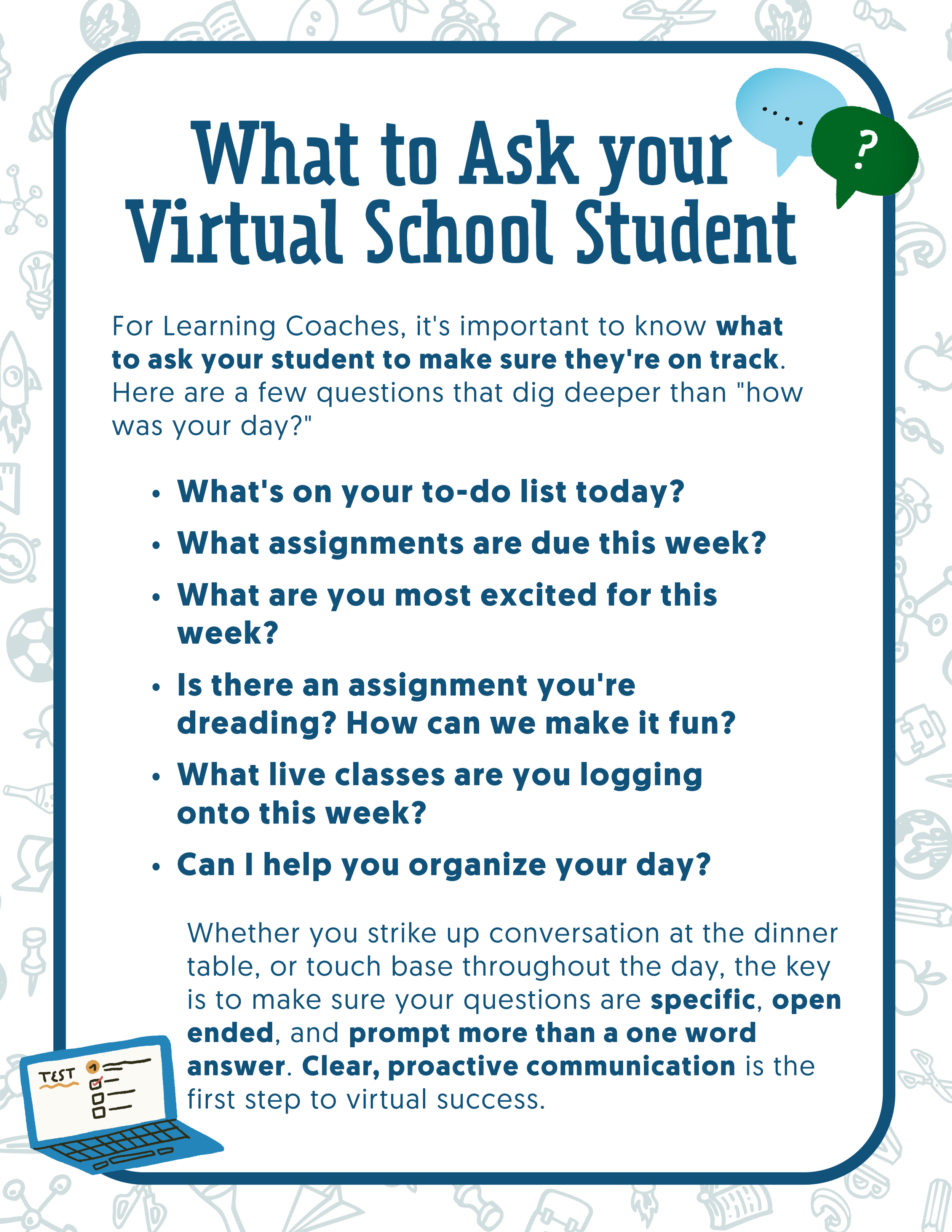
Skip "How was school?" — it usually gets you a one-word answer. Try questions like:
"What are you most excited about this week?"
"What's due, and do you need help planning it out?"
"Is there a teacher you want to reach out to?"
Ask casually — in the car, over dinner — rather than all at once. Download a PDF or PNG herewith a few questions to get you started.
What If My Student Is Struggling to Get Started?
Executive function — the brain's ability to plan, prioritize, and follow through — is one of the biggest hurdles in virtual learning, especially for students with ADHD or other learning differences (Kawasaki). Here are a few techniques to try and break through the fog.
Break large projects into micro-tasks (Kawasaki).
Try the Pomodoro Technique: 25 minutes of focused work, then a 5-minute break.
Celebrate progress, not just completion.
These skills build over time — and when they click, both confidence and mental health tend to improve together (Kawasaki).

Frequently Asked Questions
Do I need to teach my child as a Learning Coach?
No. Teachers handle instruction and curriculum; your role is structure, encouragement, and accountability.
Where do I go if I have a login or tech issue?
My Stellar Support has step-by-step troubleshooting guides, or you can contact our IT support team directly.
How often should I check my student's grades?
Weekly is the sweet spot — enough to stay informed without adding pressure.
Let's Make This a Stellar Year
The first month is always a little messy, and that's okay. Change takes time to settle into a rhythm. With a clear routine, open communication, and My Stellar Support as your home base for orientation and support, you have everything you need to turn that early chaos into confidence.
We're so glad to have you with us this year. Let's make it a Stellar one.
Haven’t joined us yet? Enroll Today
Questions? Our enrollment specialists are happy to help: Call Today!
Follow us for more Learning Coach tips all year: Facebook | Instagram | TikTok

Sources
Walter, Sarah, et al. "Parent and Family Engagement in K-12 Virtual Schools." Journal of Online Learning Research, vol. 7, no. 2, 2021, pp. 161–188. learntechlib.org/p/224729
Brooms, Derrick R., et al. "A Systematic Review of the Research on K-12 Virtual Schools." Journal of Online Learning Research, vol. 7, no. 2, 2021, pp. 161–188. learntechlib.org/p/224729
ASU Prep Digital. "How to Create a Successful Online Learning Routine." ASU Prep Digital, 2024. asuprepdigital.org/blog/online-learning-routine
Clochet, Jean-Baptiste. "The Importance of Daylighting in Classrooms and Its Effect on Primary Students' Academic Performance." UCL Bartlett, University College London, 10 Mar. 2022. ucl.ac.uk/bartlett
Green, Amy. "How Should I Prepare My Child for Virtual Schooling?" For Opportunity, 2024. foropportunity.org
Kawasaki, Shanna. "The Executive Function Guide for Parents." ADDitude Magazine, 2024. additudemag.com/executive-function-treatment
